
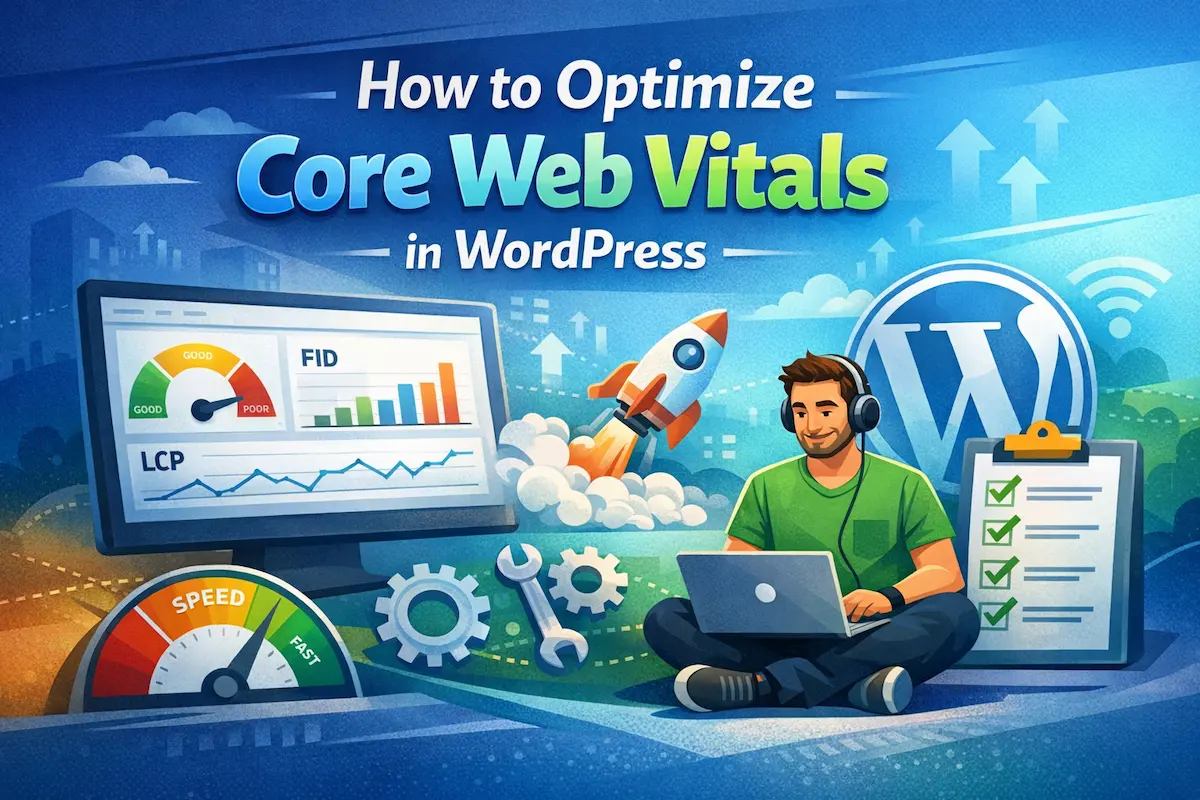
Stop losing visitors—simple tweaks to Core Web Vitals can instantly boost your WordPress site’s speed, SEO, and user satisfaction.
If your WordPress site feels slow, clunky, or unstable, you’re not just frustrating visitors—you’re also losing rankings, traffic, and revenue. With Google’s ongoing algorithm updates placing even more emphasis on performance, Core Web Vitals WordPress optimization is no longer optional—it’s essential.
Whether you’re a beginner, blogger, developer, or business owner, this guide will walk you through everything you need to know in a simple, practical way.
Table of Contents
What Core Web Vitals Are and Why They Matter

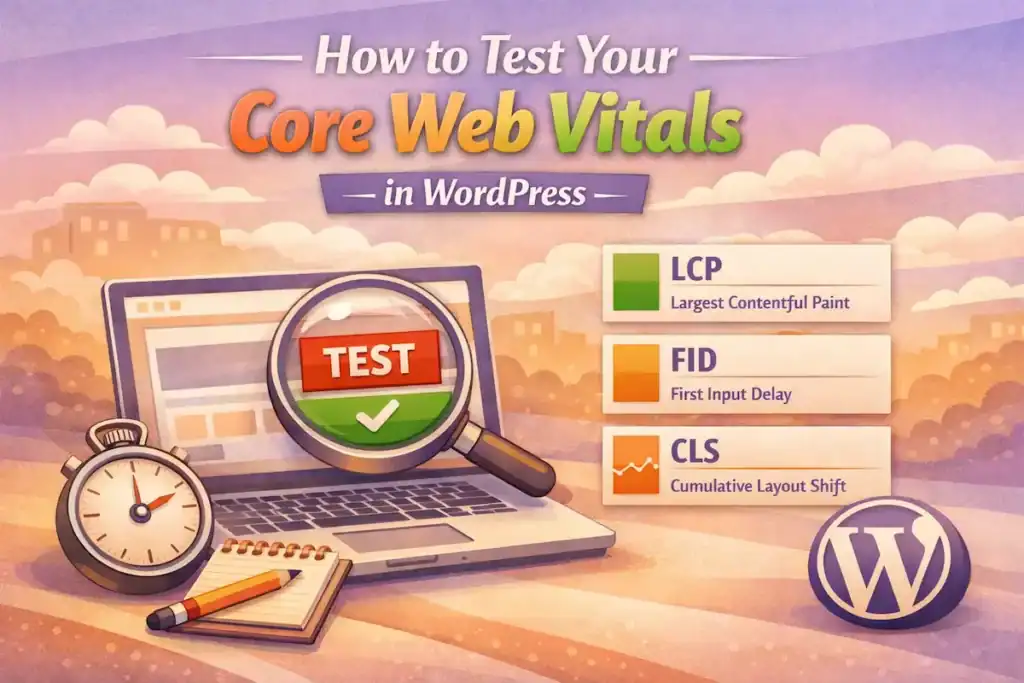
Core Web Vitals are a set of performance metrics introduced by Google to measure real-world user experience on your website. They focus on three key aspects:
- Largest Contentful Paint (LCP): How quickly your main content loads
- First Input Delay (FID): How fast your site responds to user interactions
- Cumulative Layout Shift (CLS): How stable your layout is while loading
These metrics directly impact:
- Search rankings (WordPress performance SEO)
- User experience and engagement
- Conversion rates and revenue
In simple terms: a faster, smoother site keeps users happy—and Google rewards that.
How to Test Your Core Web Vitals in WordPress
Before you start optimizing, you need to know where you stand.
Here are the best tools to test your Core Web Vitals WordPress performance:
1. Google PageSpeed Insights
- Enter your URL and get a full performance report
- See both mobile and desktop scores
- Identify exact issues affecting LCP, FID, and CLS
2. Google Search Console (Core Web Vitals Report)
- Shows real user data from Chrome users
- Groups issues by type (Poor, Needs Improvement, Good)
3. Lighthouse (Chrome DevTools)
- Run advanced audits directly in your browser
4. GTmetrix
- Provides waterfall analysis and loading timelines
Pro Tip: Always test both mobile and desktop—mobile performance matters more for SEO.
Common Issues That Hurt Core Web Vitals on WordPress Sites
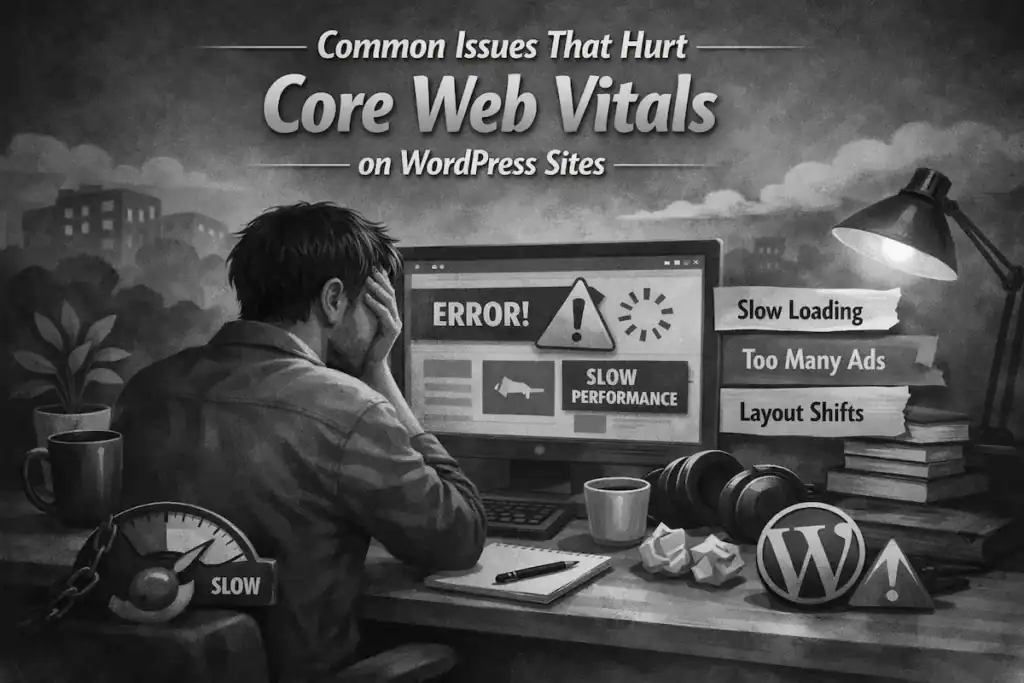
Many WordPress websites struggle with performance because of common, avoidable problems:
1. Heavy Images and Media
Uncompressed images are one of the biggest causes of slow loading (poor LCP).
2. Too Many Plugins
Poorly coded or excessive plugins increase load time and block rendering.
3. Slow Hosting
Cheap or overloaded hosting leads to delayed server response times.
4. Render-Blocking Resources
CSS and JavaScript files that load before visible content delay page rendering.
5. Layout Shifts from Ads or Fonts
Elements moving around during load hurt CLS and frustrate users.
6. No Caching or CDN
Without caching, every visitor loads your site from scratch.
Recognizing these issues is the first step toward improving your WordPress performance SEO.
Step-by-Step Fixes for Each Core Web Vital (LCP, FID, CLS)

Let’s break down actionable fixes you can implement today.
Fixing Largest Contentful Paint (LCP)
Goal: Load your main content within 2.5 seconds.
Key Fixes:
- Optimize images
- Use modern formats like WebP
- Compress images using tools or plugins
- Enable lazy loading
- Load images only when they enter the viewport
- Use a fast hosting provider
- Upgrade to managed WordPress hosting if needed
- Implement caching
- Use page caching to reduce server load
- Use a CDN (Content Delivery Network)
- Deliver content faster globally
Result: Faster perceived load time and improved SEO rankings.
Fixing First Input Delay (FID)
Goal: Ensure your site responds in under 100 milliseconds.
Key Fixes:
- Reduce JavaScript execution
- Remove unnecessary scripts
- Minify and defer JavaScript
- Use lightweight themes
- Avoid bloated page builders when possible
- Enable browser caching
- Reduce repeated downloads of resources
- Split long tasks
- Break heavy scripts into smaller chunks
Result: Users can interact with your site instantly without frustration.
Fixing Cumulative Layout Shift (CLS)
Goal: Keep CLS below 0.1 for a stable layout.
Key Fixes:
- Set image dimensions
- Always define width and height attributes
- Reserve space for ads and embeds
- Prevent unexpected shifts during loading
- Use proper font loading strategies
- Avoid flashes of unstyled text (FOUT)
- Avoid inserting content above existing elements
Result: A smoother, more professional user experience.
Recommended Plugins and Tools for Core Web Vitals Optimization
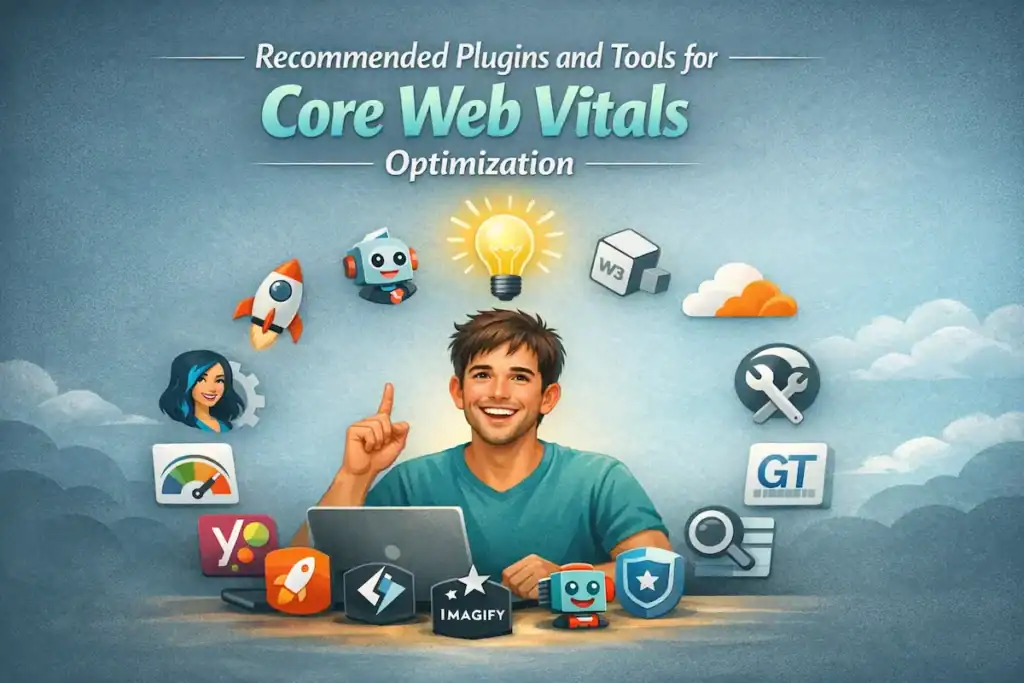
To make optimization easier, here are some powerful tools and plugins:
Performance Plugins
- WP Rocket (premium, beginner-friendly)
- LiteSpeed Cache (great for LiteSpeed servers)
- W3 Total Cache (advanced users)
Image Optimization
- Smush
- ShortPixel
- Imagify
CDN Services
- Cloudflare
- BunnyCDN
Monitoring Tools
- Google PageSpeed Insights
- Google Search Console
- GTmetrix
Using the right combination of tools can dramatically optimize WordPress speed without needing deep technical skills.
Learn how I improved my score from 50 to 90
Ongoing Maintenance: How to Monitor and Sustain Your Results
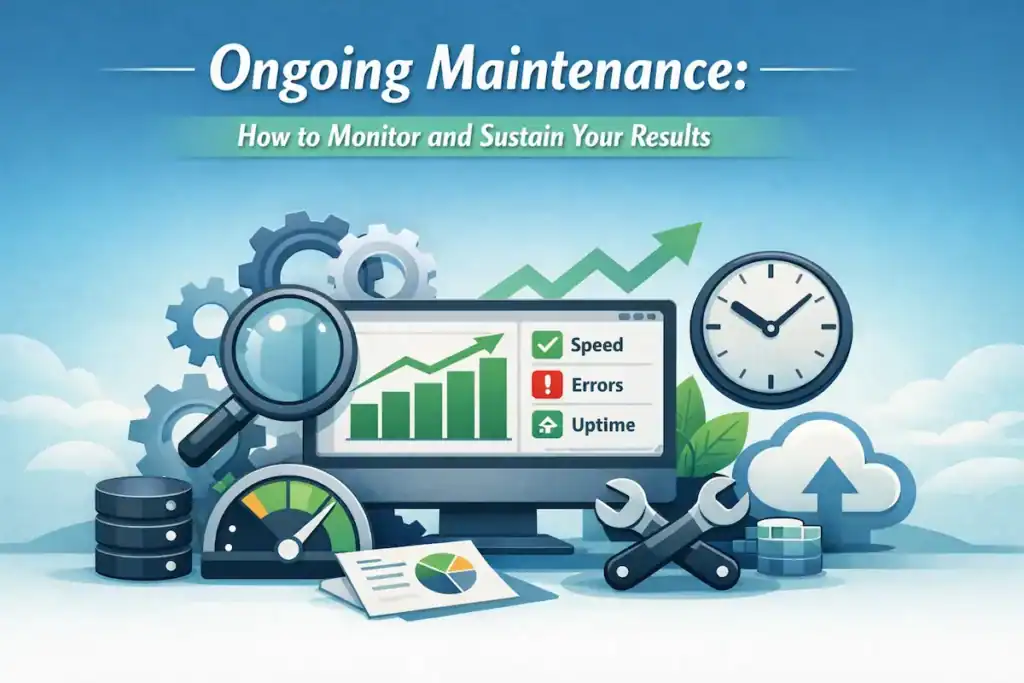
Optimizing once isn’t enough—performance requires ongoing attention.
1. Regular Testing
- Check Core Web Vitals monthly
- Monitor changes after updates or plugin installations
2. Keep WordPress Updated
- Update themes, plugins, and core files
- Remove unused plugins
3. Monitor Hosting Performance
- Upgrade hosting if performance declines
4. Track Real User Data
- Use Google Search Console to monitor improvements
5. Audit New Content
- Optimize images and scripts before publishing
Consistency is key to maintaining strong Core Web Vitals WordPress performance.
Final Thoughts: Stay Ahead of the Competition
Google is making it clear: user experience is the future of SEO.
If your site is slow, unstable, or unresponsive, visitors won’t wait—and neither will search engines.
The good news? You don’t need to be a developer to fix it.
By applying the simple strategies in this guide, you can:
- Boost your rankings
- Improve user satisfaction
- Increase conversions
- Stay ahead of competitors
Read more SEO best practices for developers.
Let’s Connect 🚀
If you’re interested in guest posting, backlink opportunities, or collaborations, feel free to reach out.
Let’s help each other grow faster, rank higher, and build better-performing WordPress websites.
Remember: Every second counts. Start optimizing today—and turn your WordPress site into a fast, high-performing asset that works for you, not against you.
✍️ Want to Contribute?
WebDevToolkit accepts high-quality guest posts from web developers.
✅ Do-follow backlink included
✅ Published within 5 days
✅ Shared with 1,000+ monthly readers